


Creating a well-organized home office can make a significant difference in how productive and comfortable you feel while working. Whether you’re working remotely full-time or just occasionally needing a dedicated space, an orderly environment helps focus your mind and reduces distractions. Here are some simple tips to help you organize your home office to boost both productivity and comfort.
1. Choose the Right Location
Consider natural light and quietness
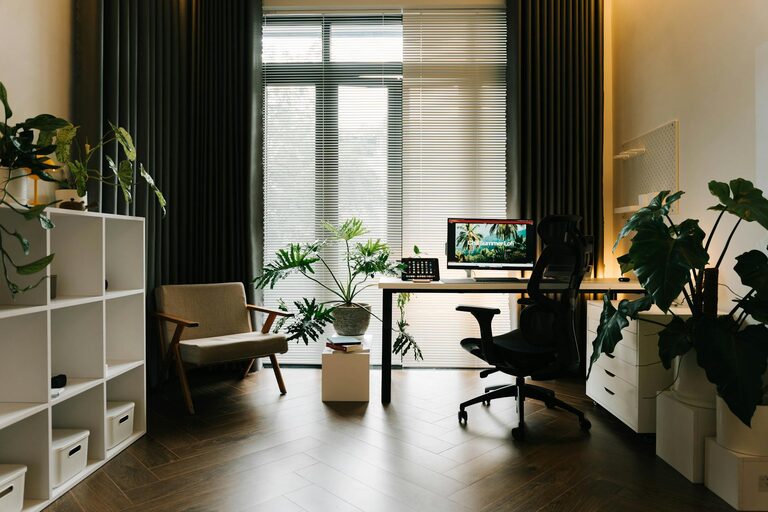
Start by selecting the best spot in your home for your office. Ideally, this should be a quiet area away from heavy foot traffic or noisy appliances. Natural light is a big plus; try to set up near a window to benefit from daylight, which can improve mood and alertness.
Assess space and layout
Even if space is limited, try to designate a specific area solely for work. Avoid places that overlap with relaxing or sleeping zones. A clear physical boundary between work and personal life helps maintain focus during working hours.
2. Declutter Your Desk and Surroundings
Start fresh with a clean slate
Remove everything off your desk and sort items into categories: essentials, nice-to-haves, and non-essentials. Only keep what you use daily or frequently on your desk.
Use storage solutions
Invest in storage options such as drawers, shelves, or desktop organizers. These keep supplies like pens, paper, chargers, and documents neatly tucked away but within reach.
Wipe down surfaces
Clean your desk and any shelves or cabinets before putting items back. A tidy, dust-free environment feels more inviting and can boost your mood.
3. Optimize Ergonomics for Comfort
Choose a comfortable chair
Your chair should support your back and allow your feet to rest flat on the floor. If you don’t have an ergonomic chair, consider adding cushions or a footrest to improve posture.
Set the monitor at eye level
Place your computer screen so that the top of the monitor is at or just below eye level. This helps avoid neck strain and fatigue.
Arrange keyboard and mouse properly
Keep your mouse and keyboard close enough to prevent stretching. Wrists should be straight and supported to avoid discomfort during long typing sessions.
4. Manage Cables and Technology Neatly
Use cable organizers
Tangled cords add unnecessary mess and can be distracting. Use cable clips, sleeves, or boxes to bundle and hide wires.
Keep chargers accessible
Designate a charging station or a specific spot for your phone, tablet, and other devices so they don’t clutter your workspace.
Regularly update and maintain tech
Keep your computer and other devices clean and dust-free. Update software promptly to avoid technical issues that disrupt your workflow.
5. Personalize Wisely
Add functional decor
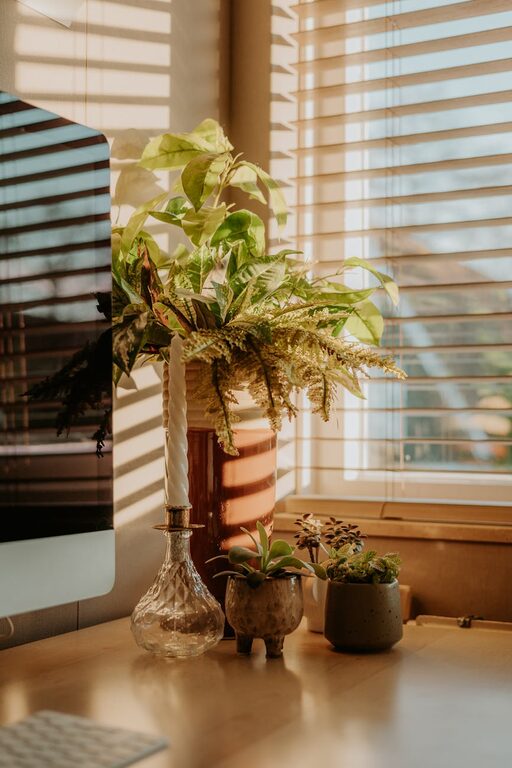
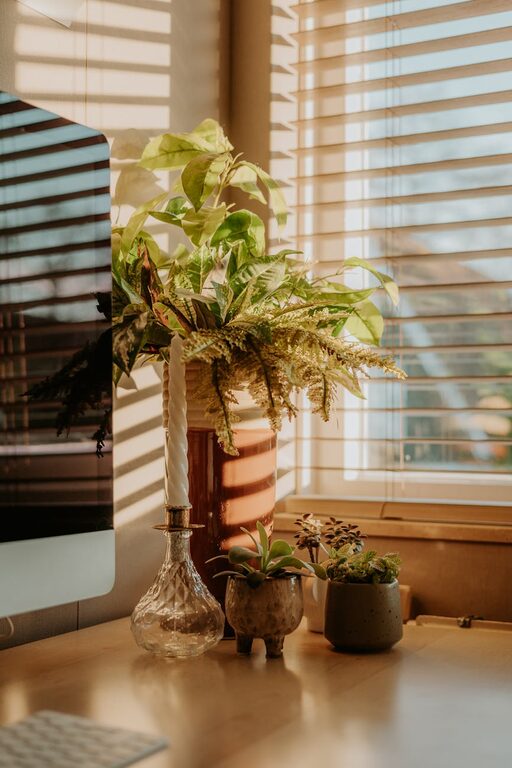
A few personal touches like a plant, inspirational quotes, or a favorite photo can make your space feel welcoming. Choose items that enhance your motivation without distracting you.
Use colors thoughtfully
Soft, neutral colors are generally calming and help focus. If you want a pop of color, choose one or two accent pieces rather than overwhelming the entire room.
6. Plan for Organization and Maintenance
Set up a filing system
Use folders, binders, or filing cabinets to keep important papers organized. Label everything clearly and file documents regularly to prevent buildup.
Schedule weekly tidying
Take 10-15 minutes at the end of each week to tidy your desk and office area. Keeping a routine helps maintain order and a fresh workspace.
Keep a notepad or planner handy
A physical or digital planner can help you keep track of tasks and meetings, reducing mental clutter and helping prioritize work.
7. Pay Attention to Lighting and Air Quality
Use layered lighting
Combine overhead lighting with a desk lamp to reduce eye strain. Adjustable lamps allow you to control brightness depending on the time of day.
Improve air circulation
Good air flow keeps you alert and comfortable. If possible, open a window occasionally or use a fan or air purifier to improve ventilation.
—
By implementing these simple tips, you can transform your home office into a productive and comfortable workspace. A well-organized environment reduces stress and distractions, letting you focus better and enjoy your work hours. Remember, the best office setup is one that suits your unique needs, so feel free to adjust these suggestions to fit your personal style and workflow. Happy organizing!